Email for Mac, iPhone & iPad

You remember who sent the email you're looking for?

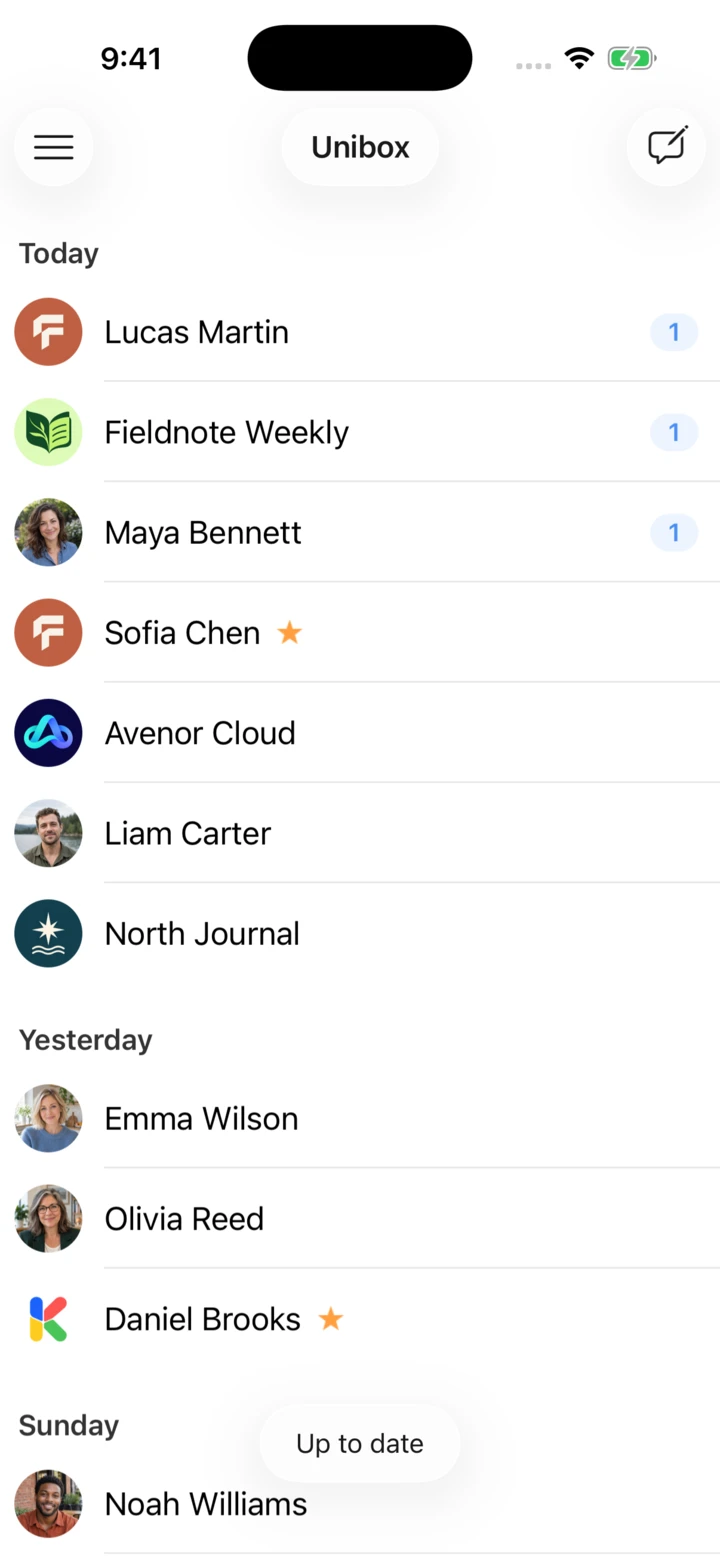
A lot of people do. Unibox makes emails easy to find by grouping them by sender.

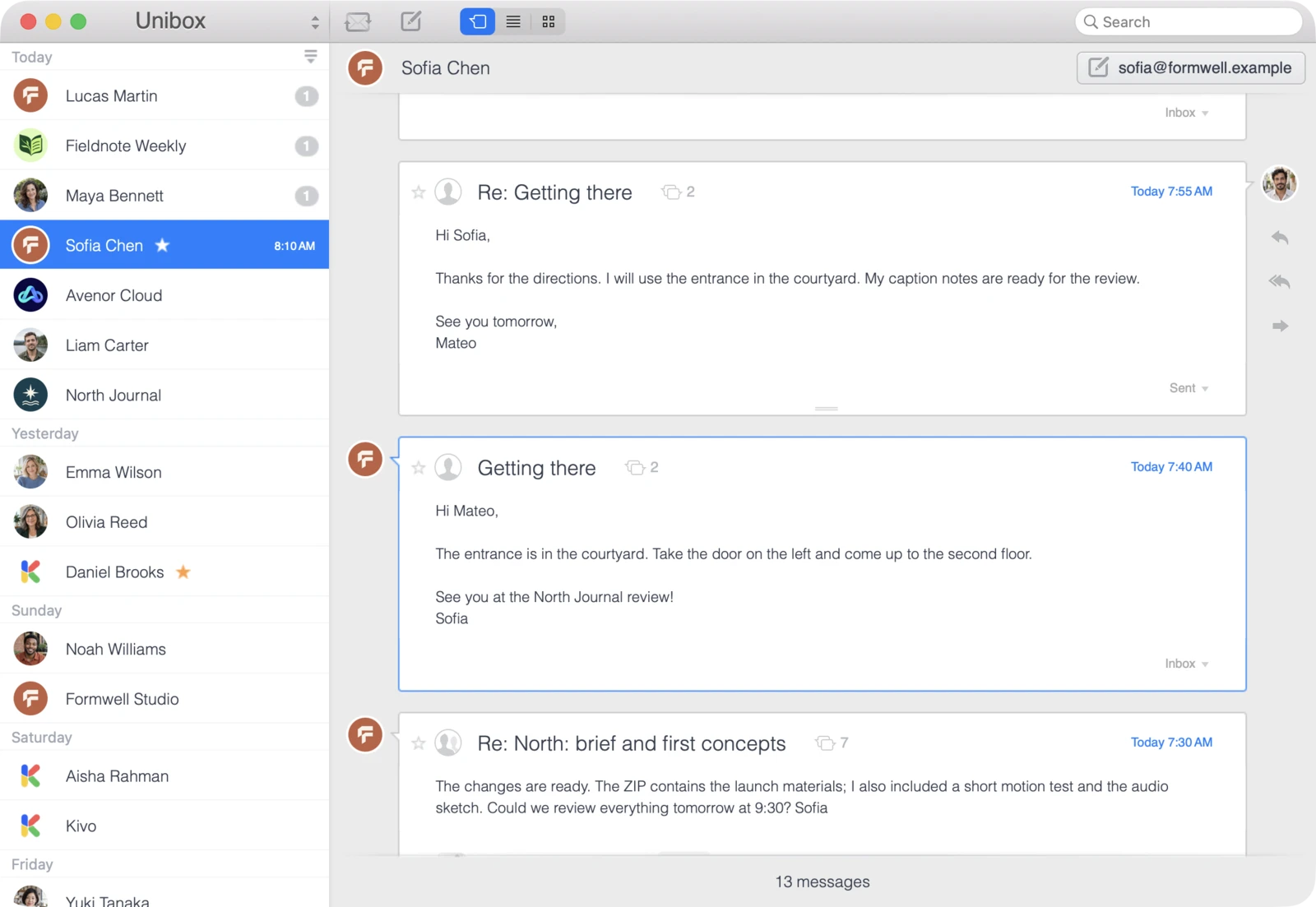
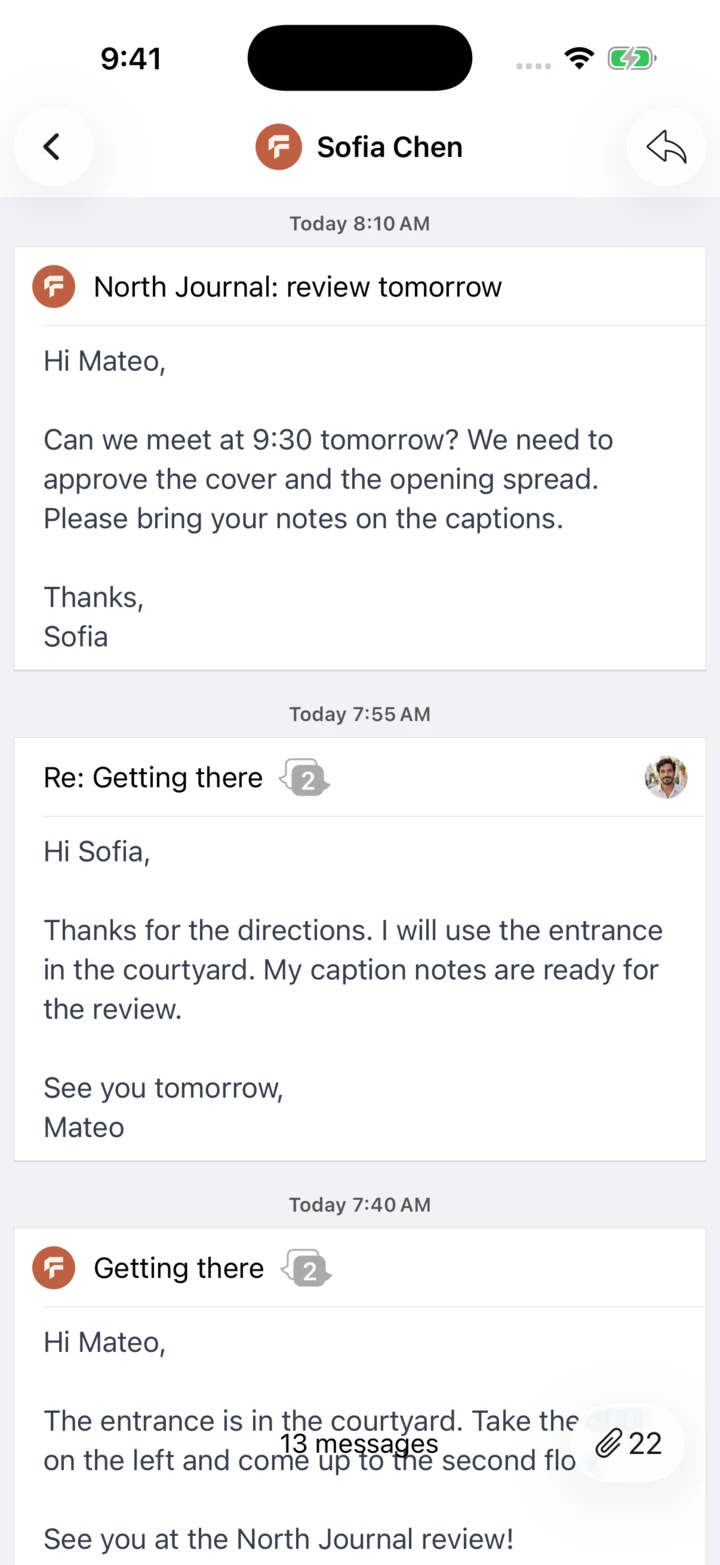
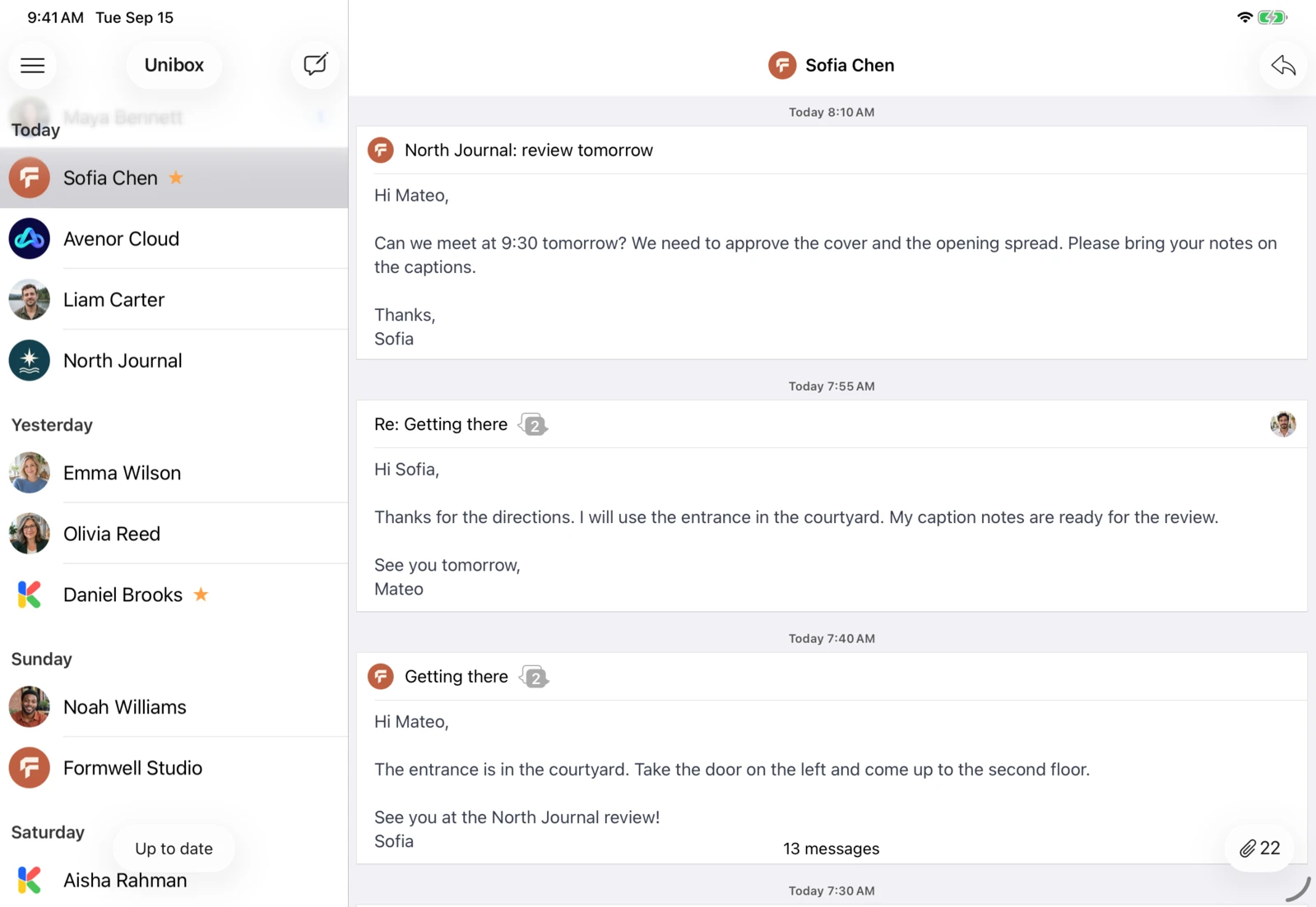
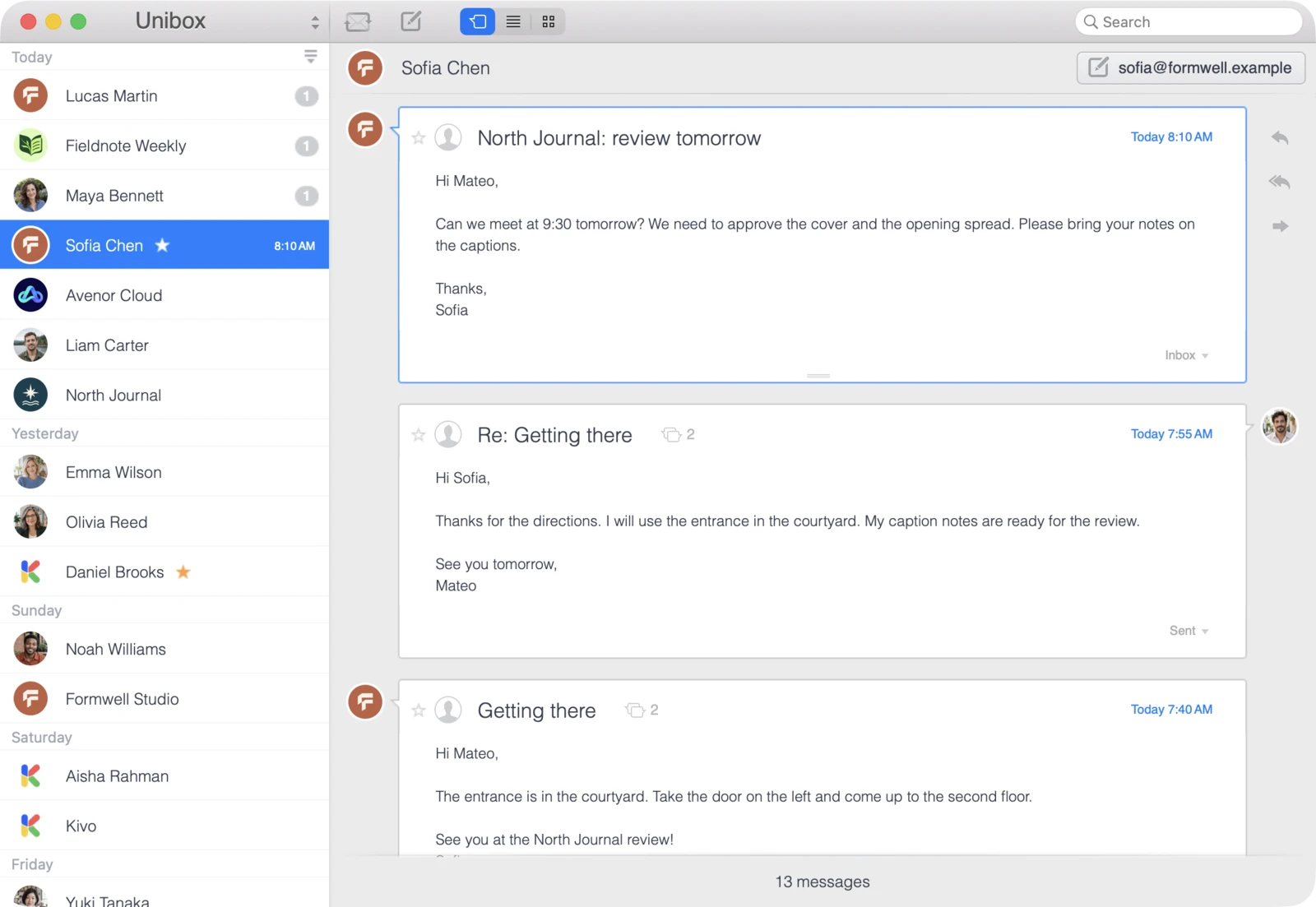
Unibox on iPhone: Unibox groups your emails by sender.Unibox on iPad: Unibox groups your emails by sender.Unibox on Mac: Unibox groups your emails by sender.

Email by sender.

Each sender appears once in the list. Contacts with the latest emails are at the top. Select a contact to read your messages to each other.

“For me, it’s still the most pleasant email app. Working with it is a real pleasure.”

Nixx NamesmacOS · App Store · Germany Translated from German

“So simple, but changes everything in how you see and manage your e-mails.”

ArchibaldTiOS · App Store · Canada

“It makes following email conversations with clients so much easier.”

CurlyGirlPhotogiOS · App Store · USA
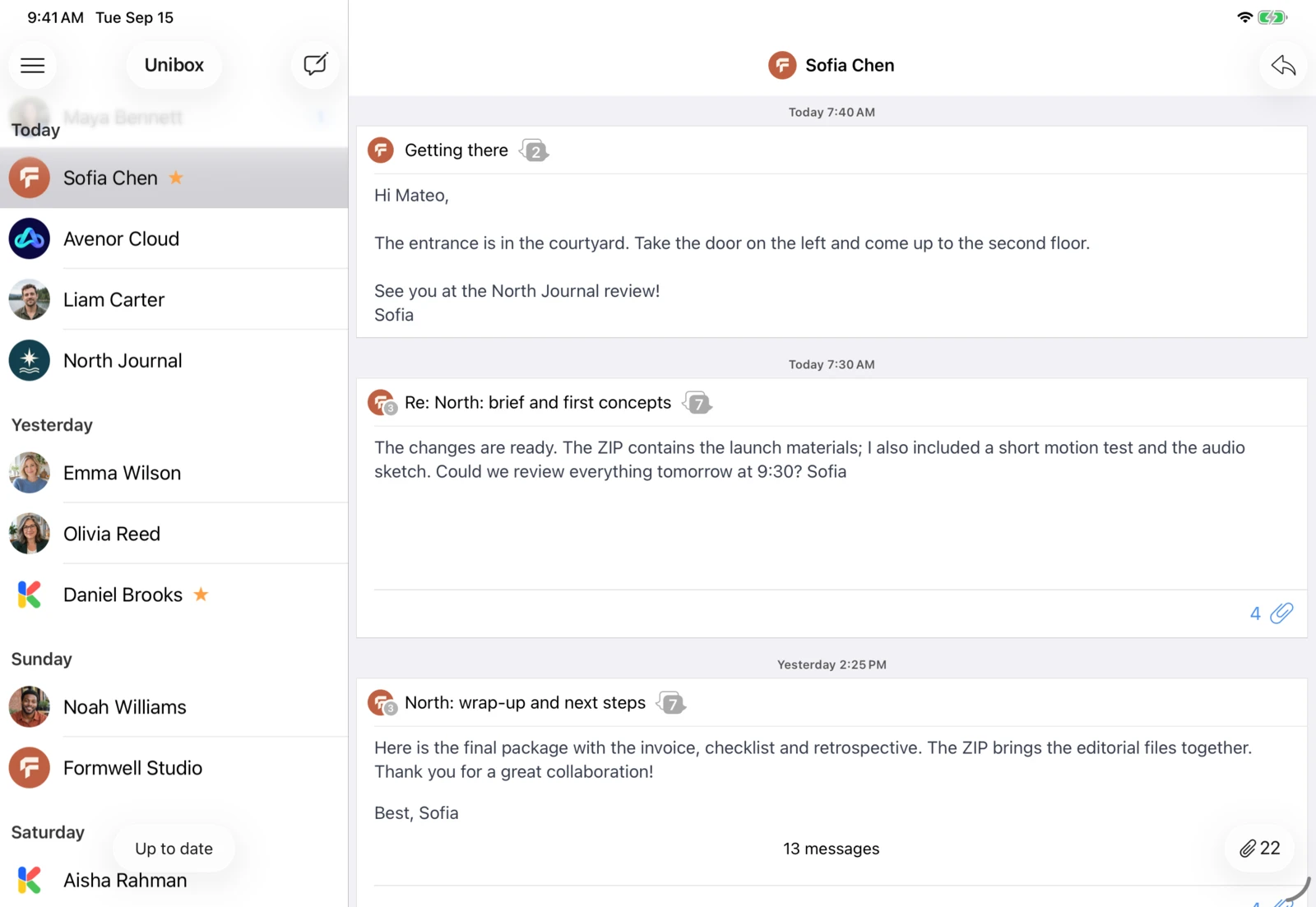
Unibox on iPhone: See received and sent emails together under each contact.Unibox on iPad: See received and sent emails together under each contact.Unibox on Mac: See received and sent emails together under each contact.

Keep track of what you’ve written to each other.

See received and sent emails together under each contact, even when they cover different topics.

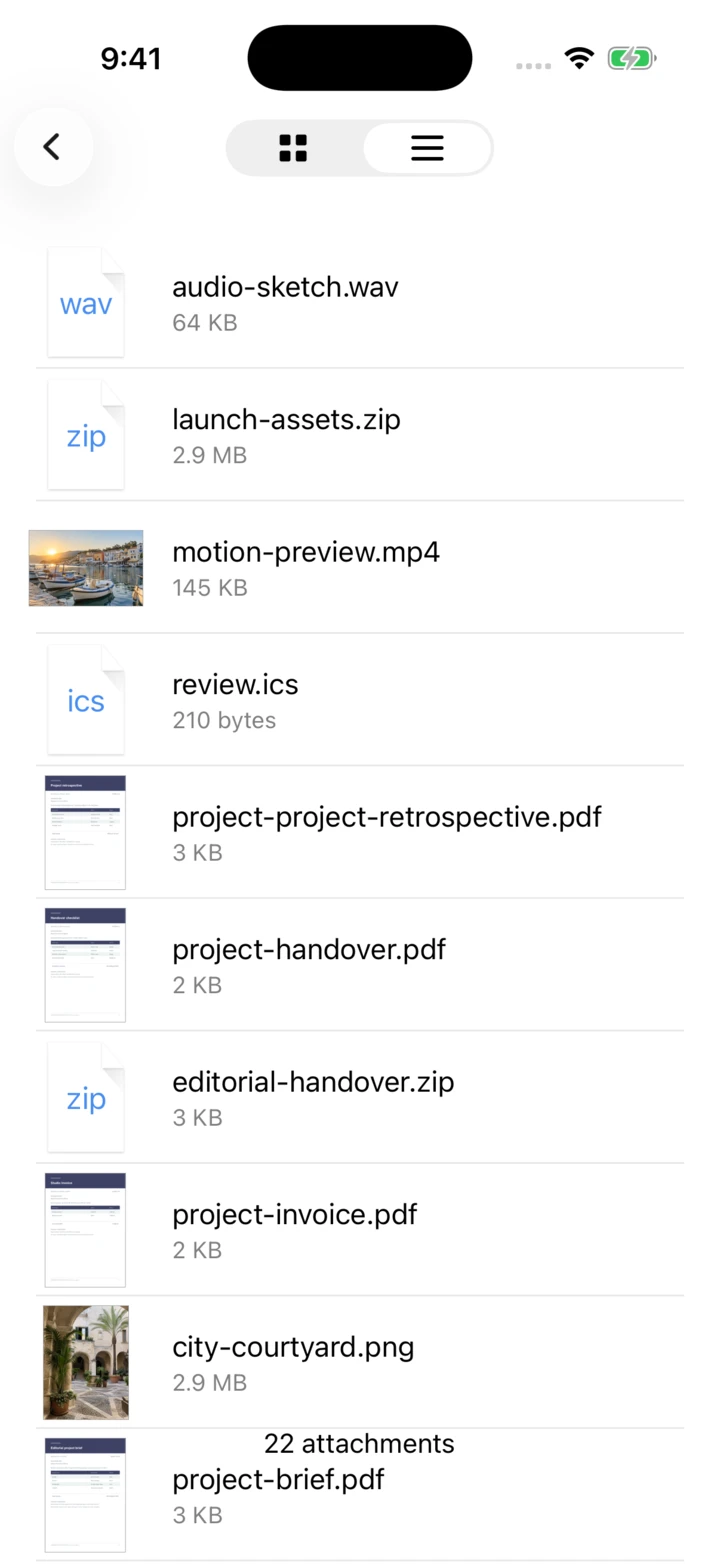
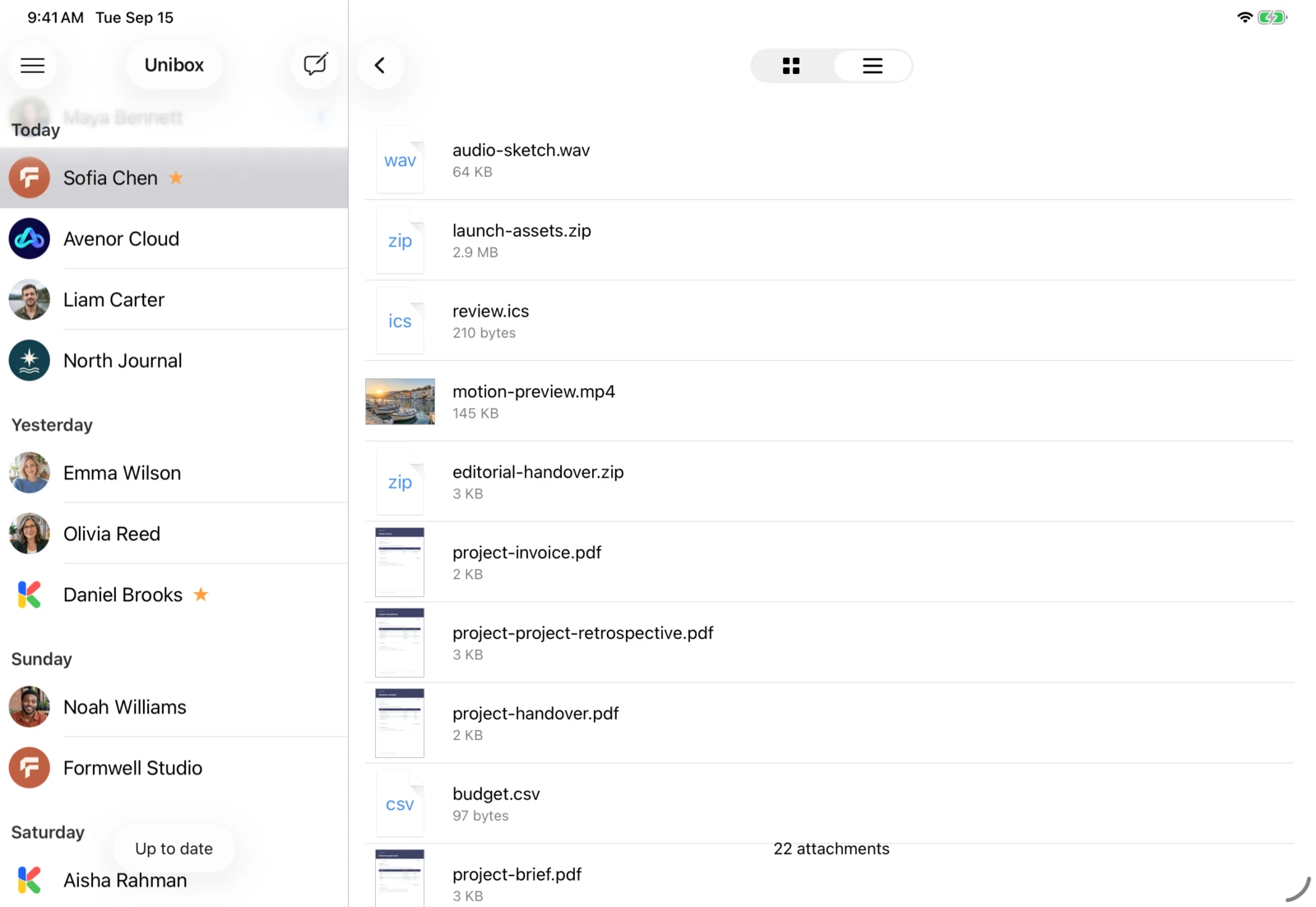
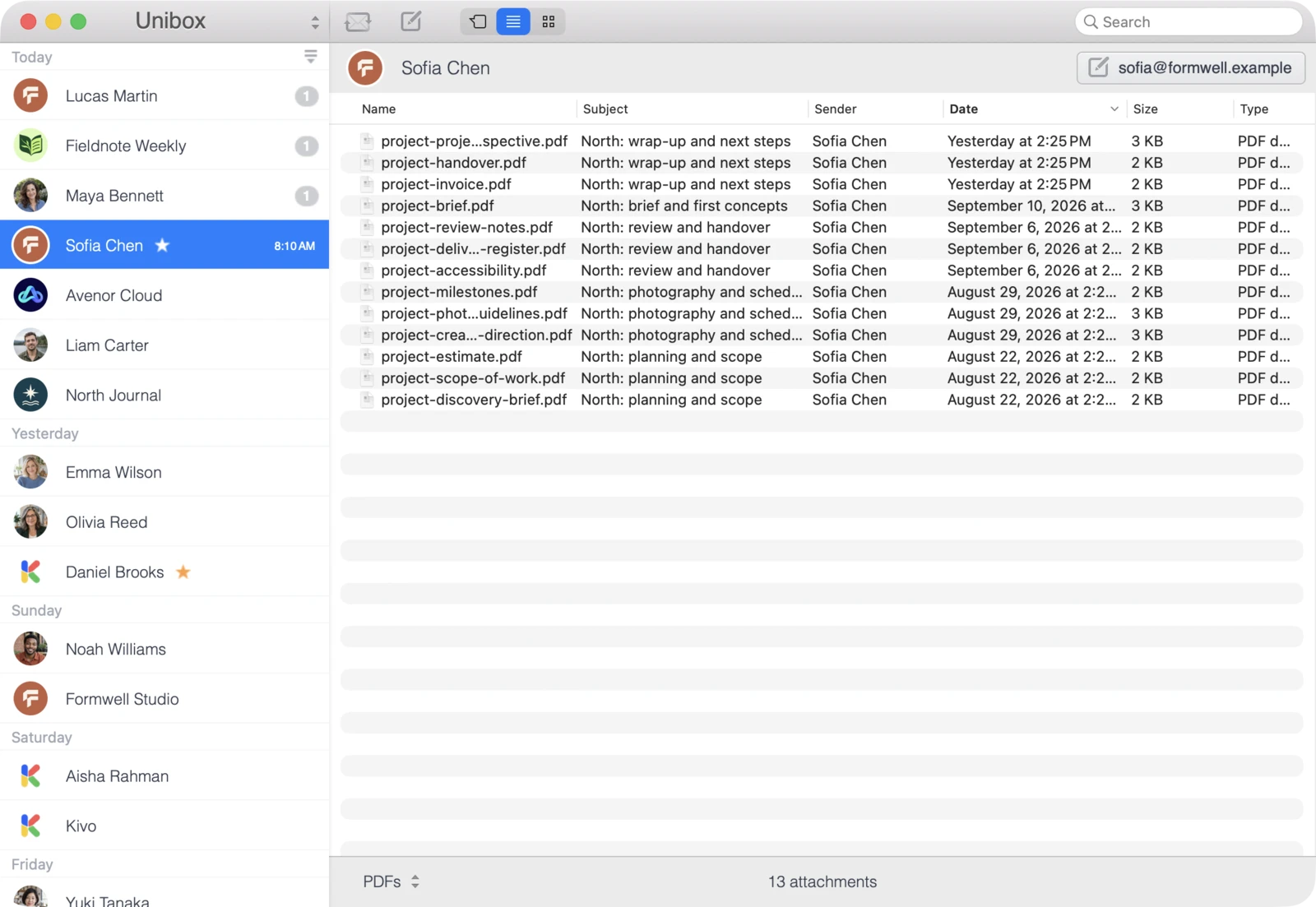
Unibox on iPhone: Unibox shows you all attachments from a sender in one place.Unibox on iPad: Unibox shows you all attachments from a sender in one place.Unibox on Mac: Unibox shows you all attachments from a sender in one place.

Find the file without searching for the email first.

Unibox shows a contact’s attachments together. Browse documents and photos in a preview grid or a list without opening each email.

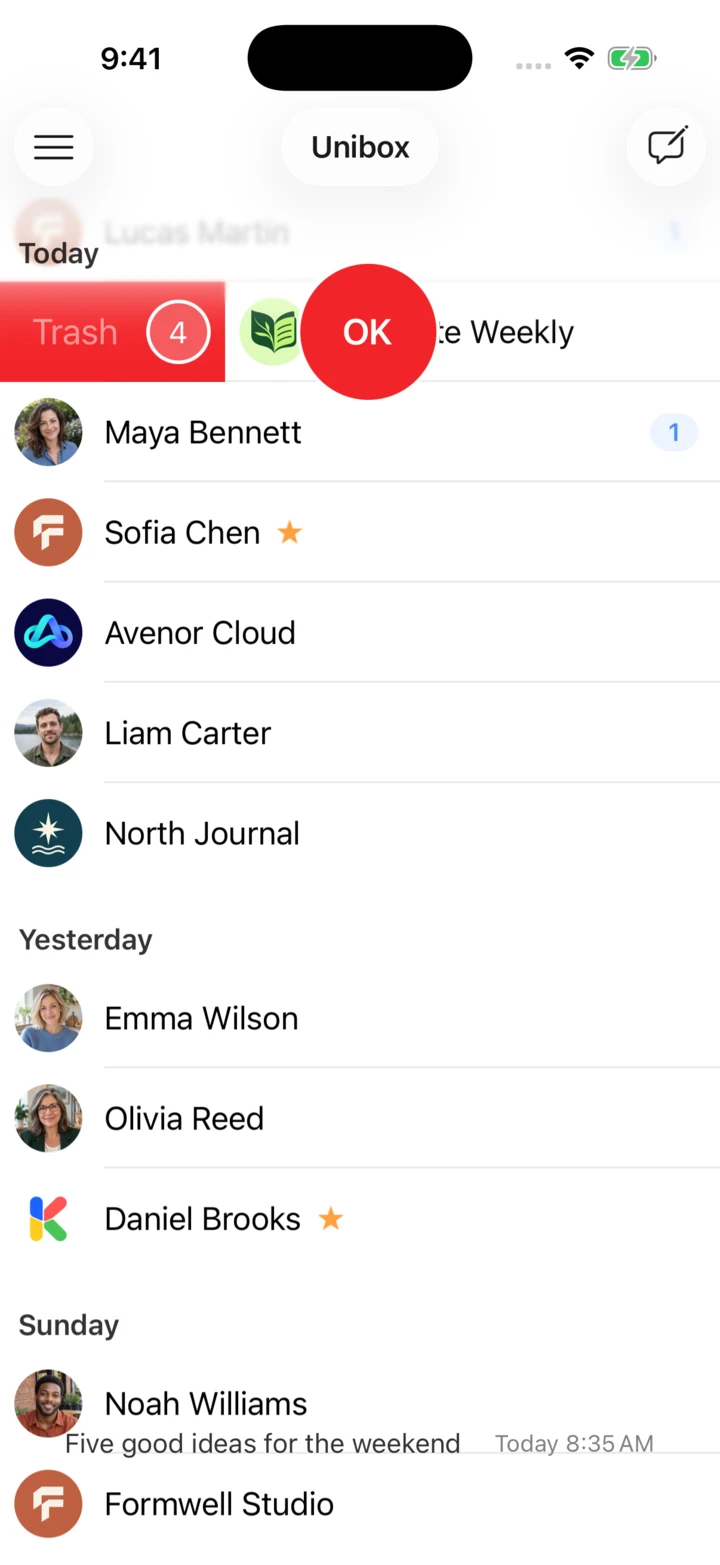
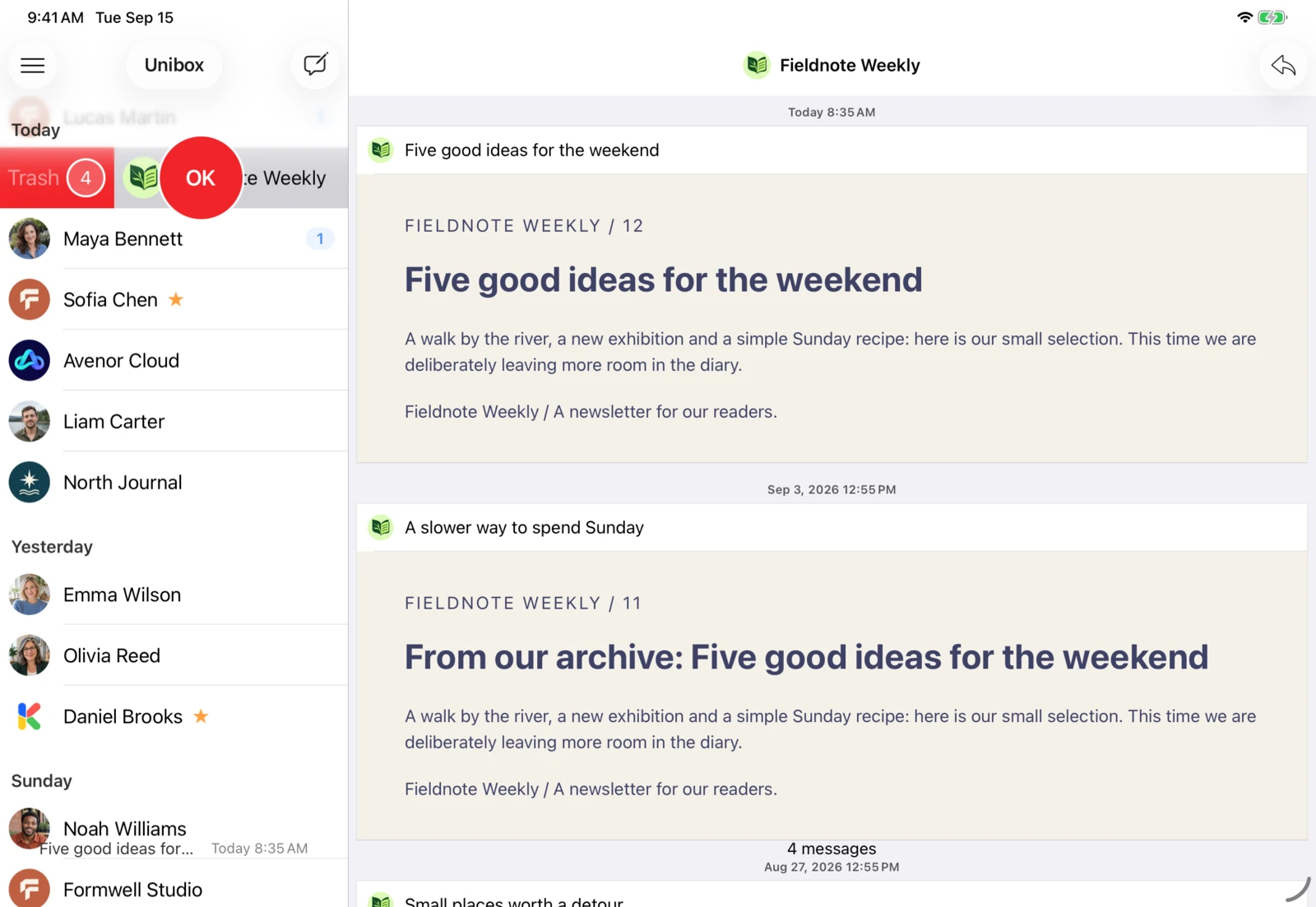
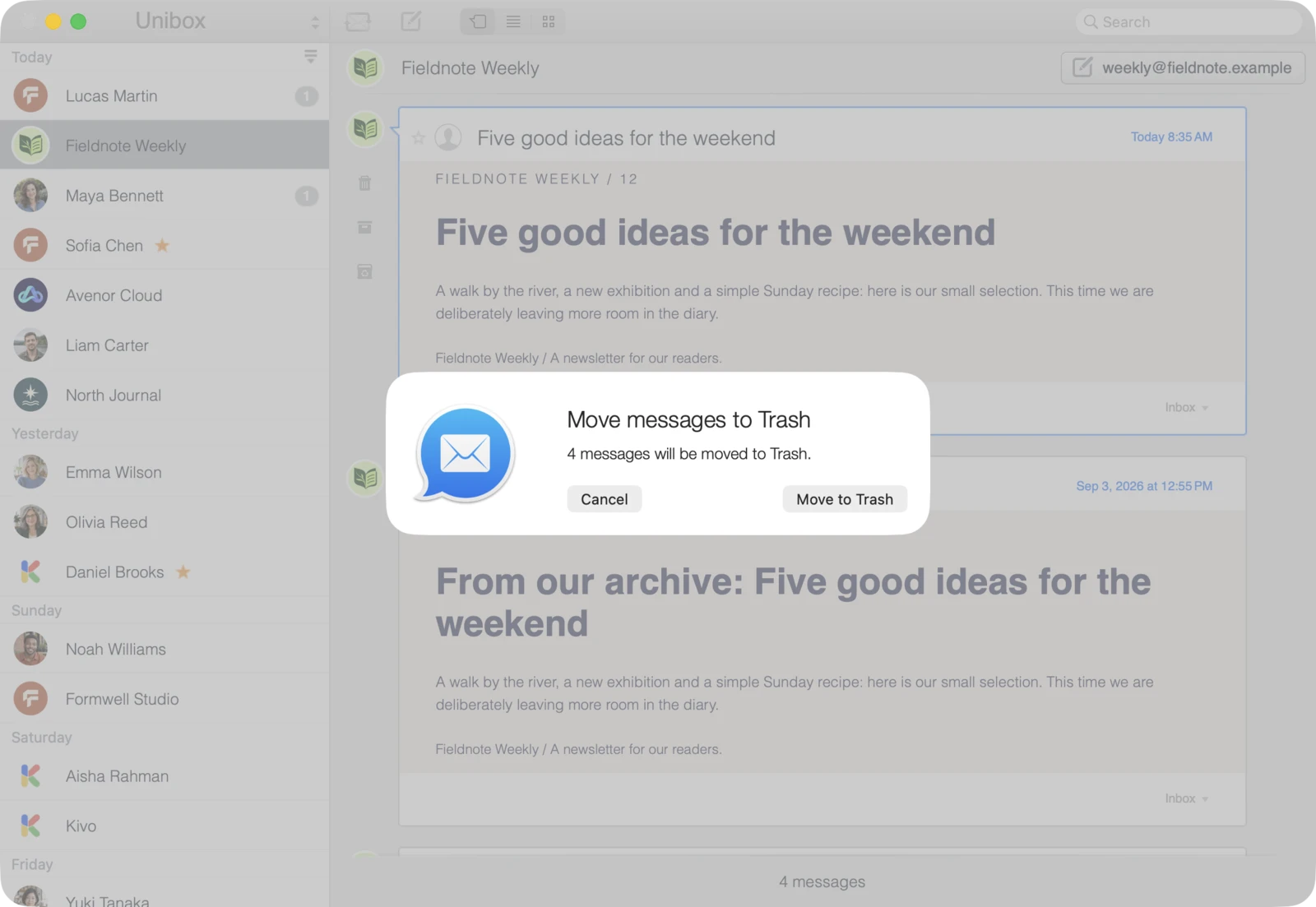
Unibox on iPhone: Delete or move all emails from the same sender together.Unibox on iPad: Delete or move all emails from the same sender together.Unibox on Mac: Delete or move all emails from the same sender together.

Delete a sender’s emails all at once.

Select a sender to delete or move all their emails together, such as old newsletters. You can also select individual messages.

More features

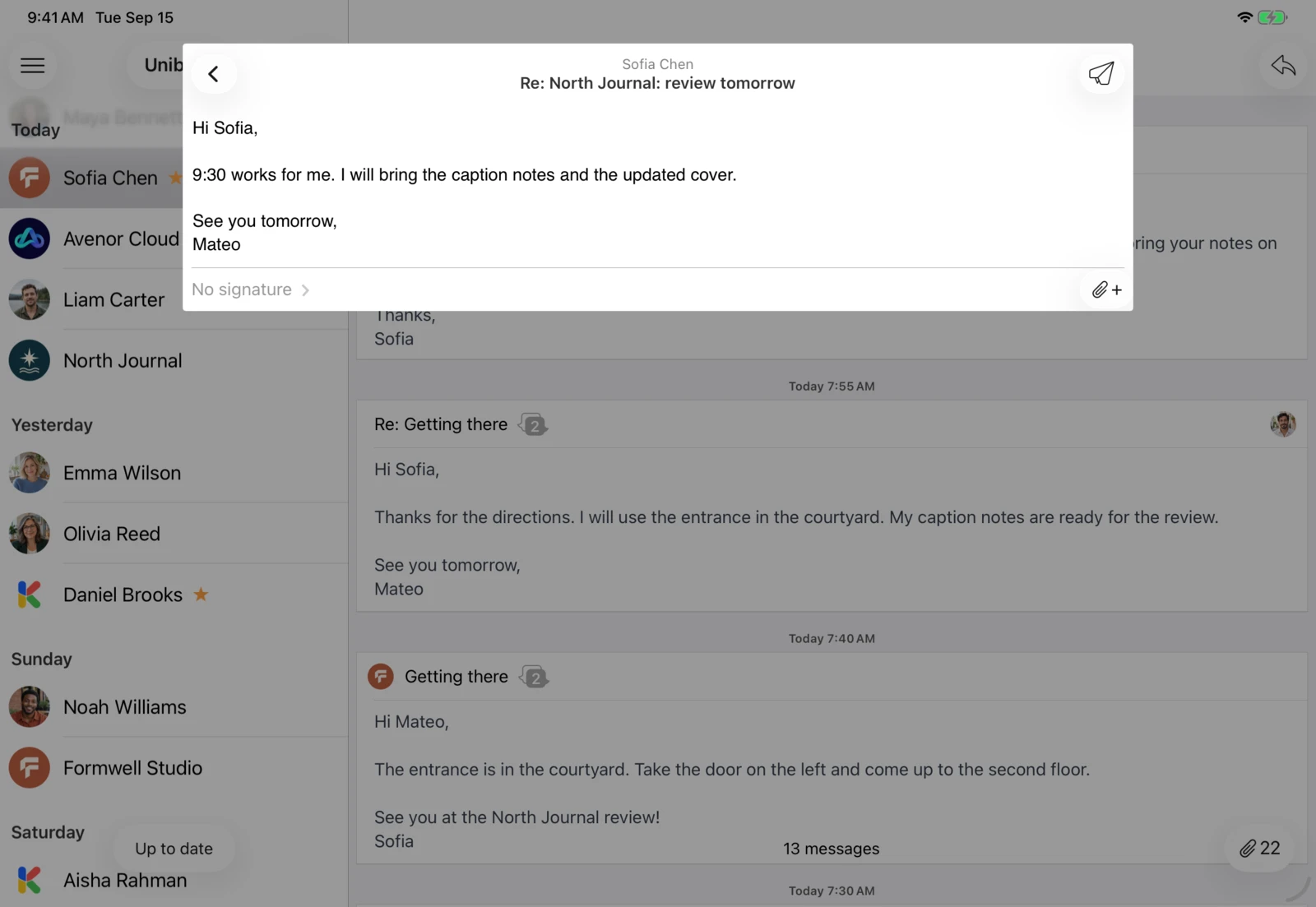
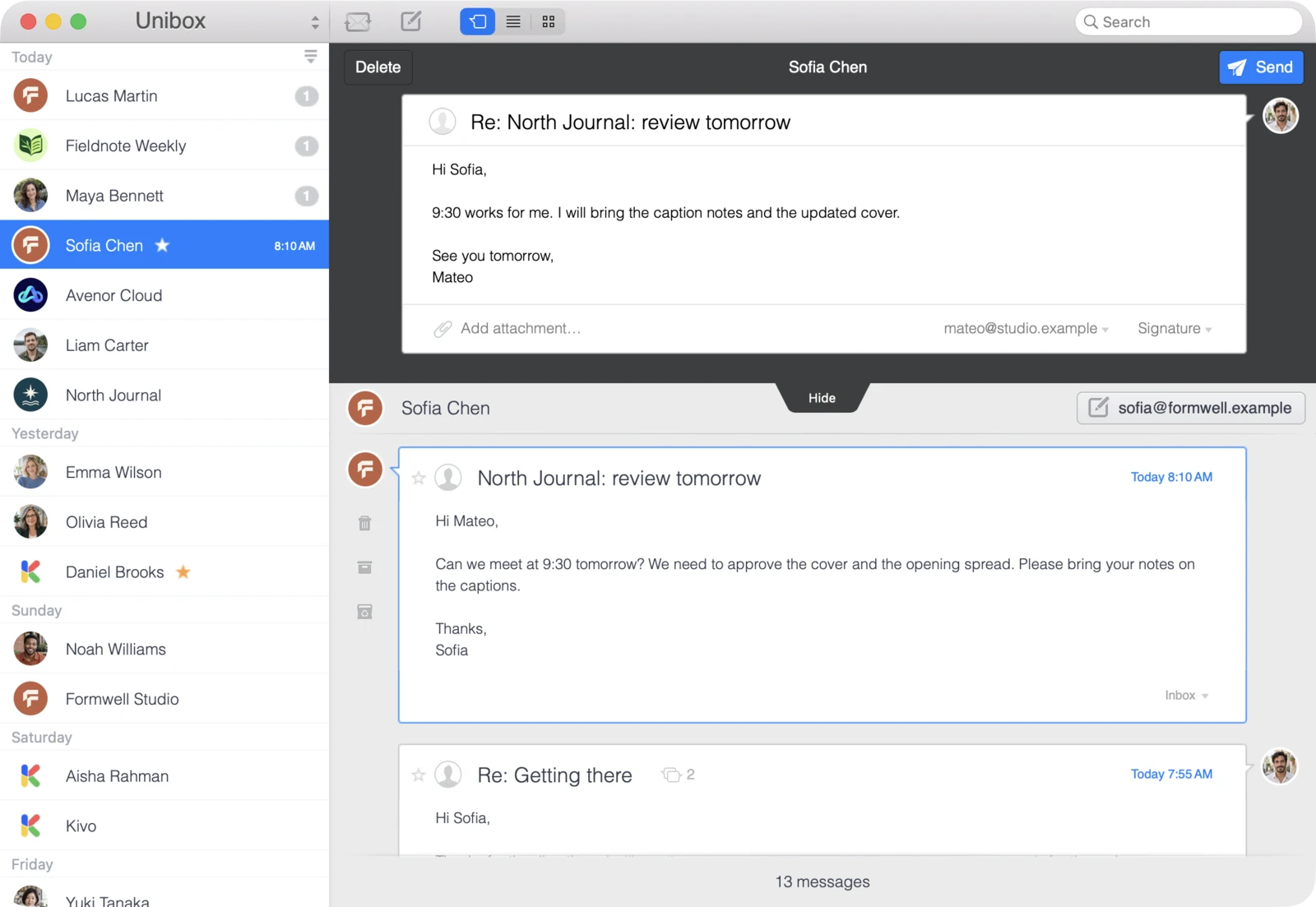
Read and write in the same window.

Refer to your previous messages while drafting a reply.
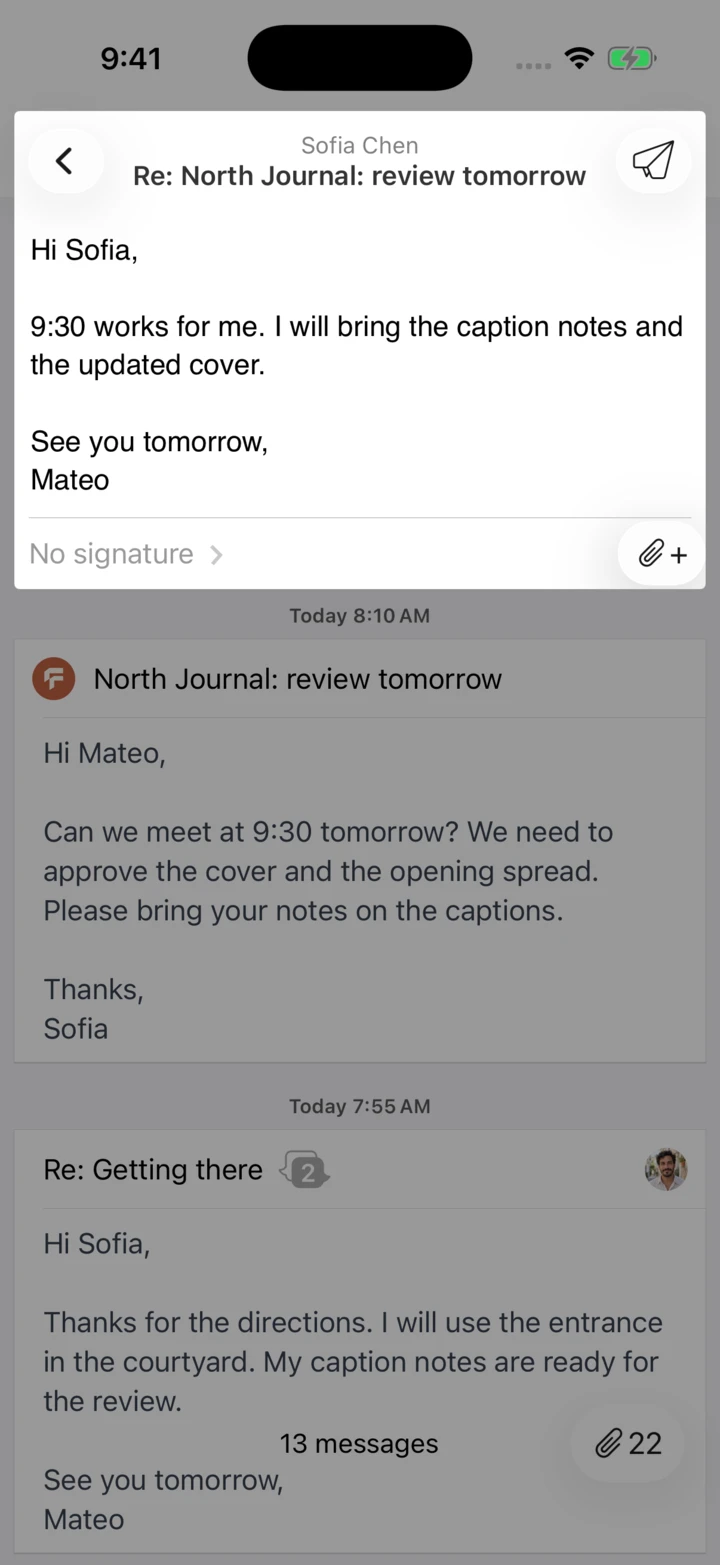
Unibox on iPhone: Read and write in the same window.Unibox on iPad: Read and write in the same window.Unibox on Mac: Read and write in the same window.

Conversations with several people.

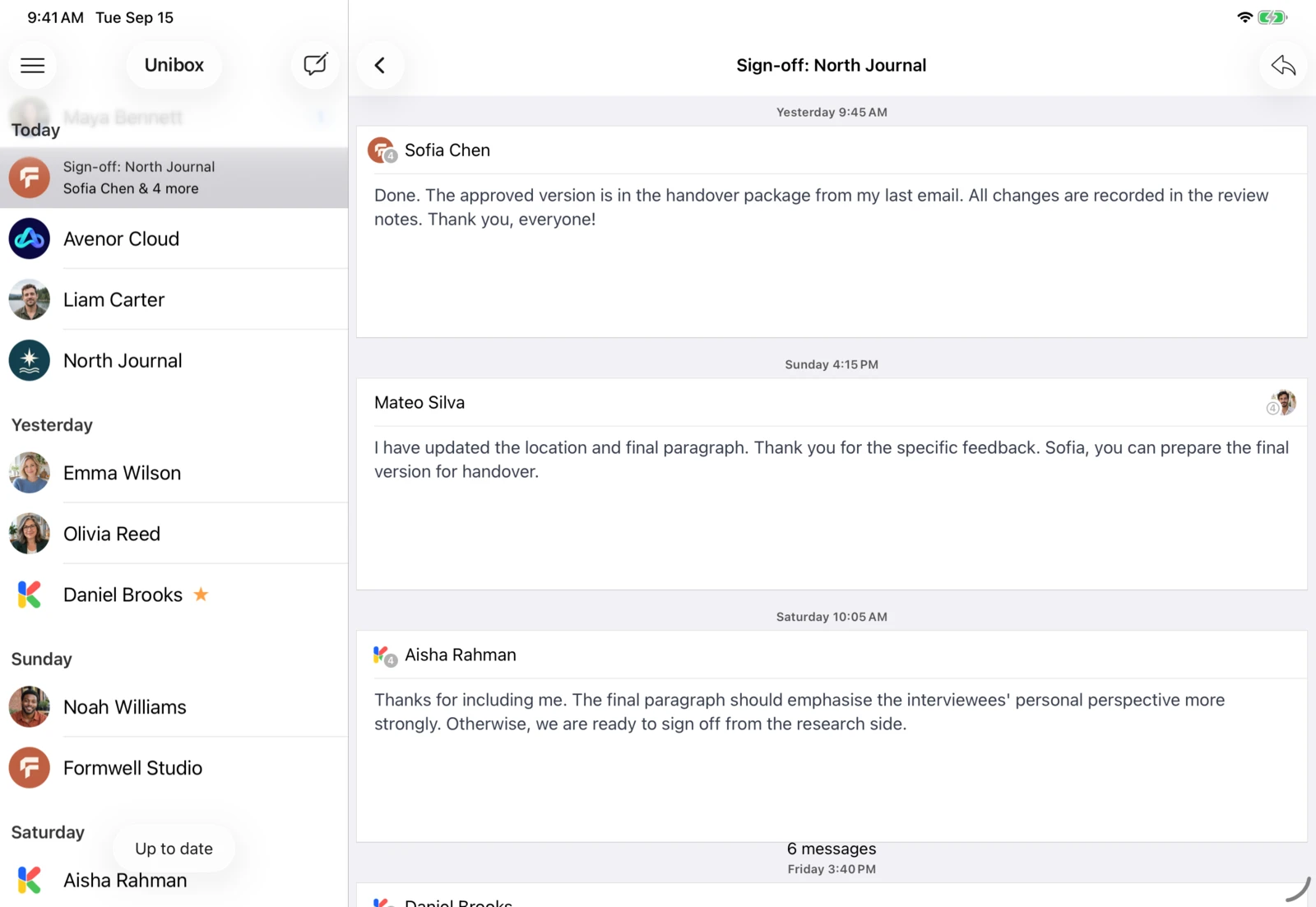
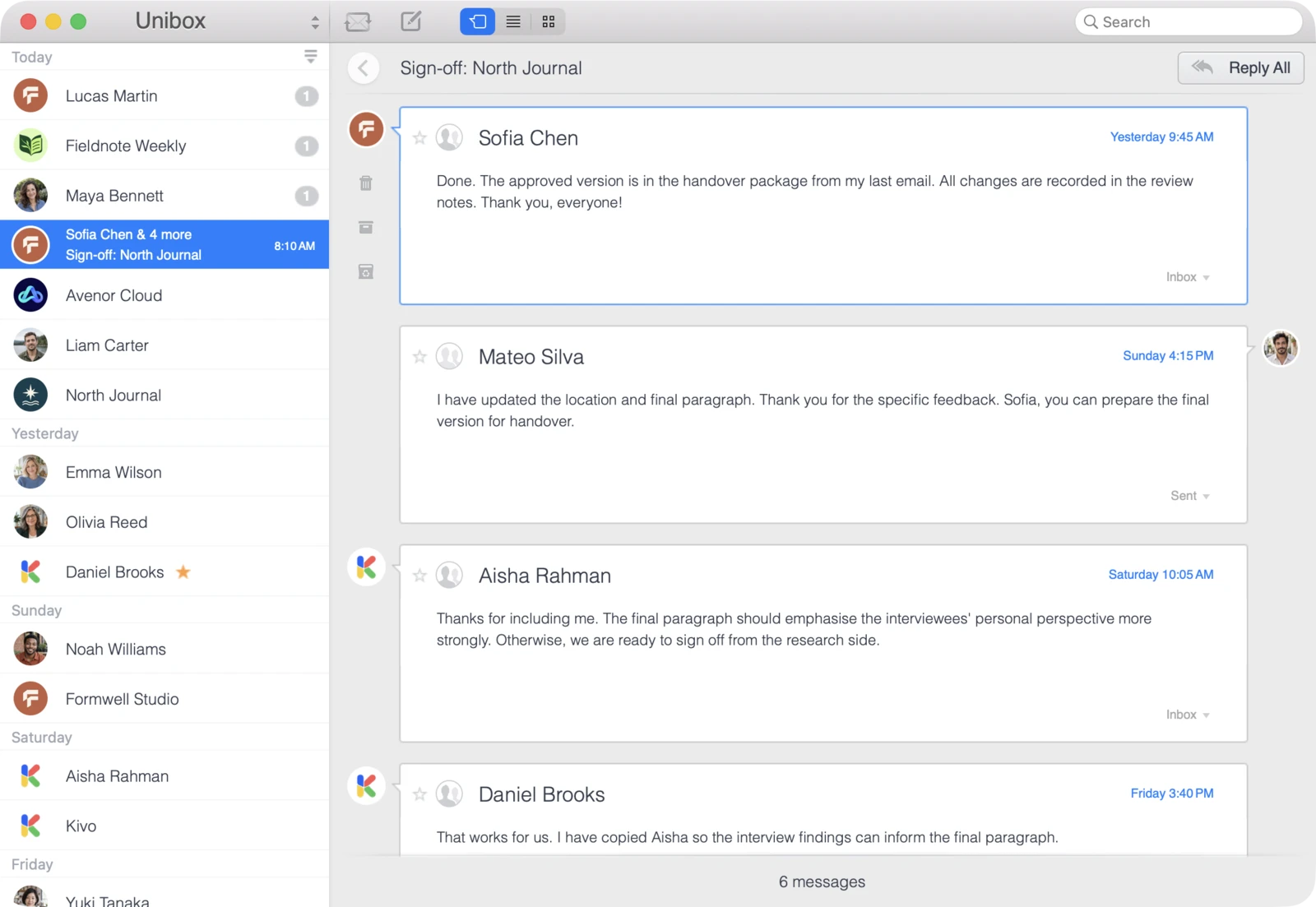
Open the conversation view for an email to see related messages from everyone taking part.
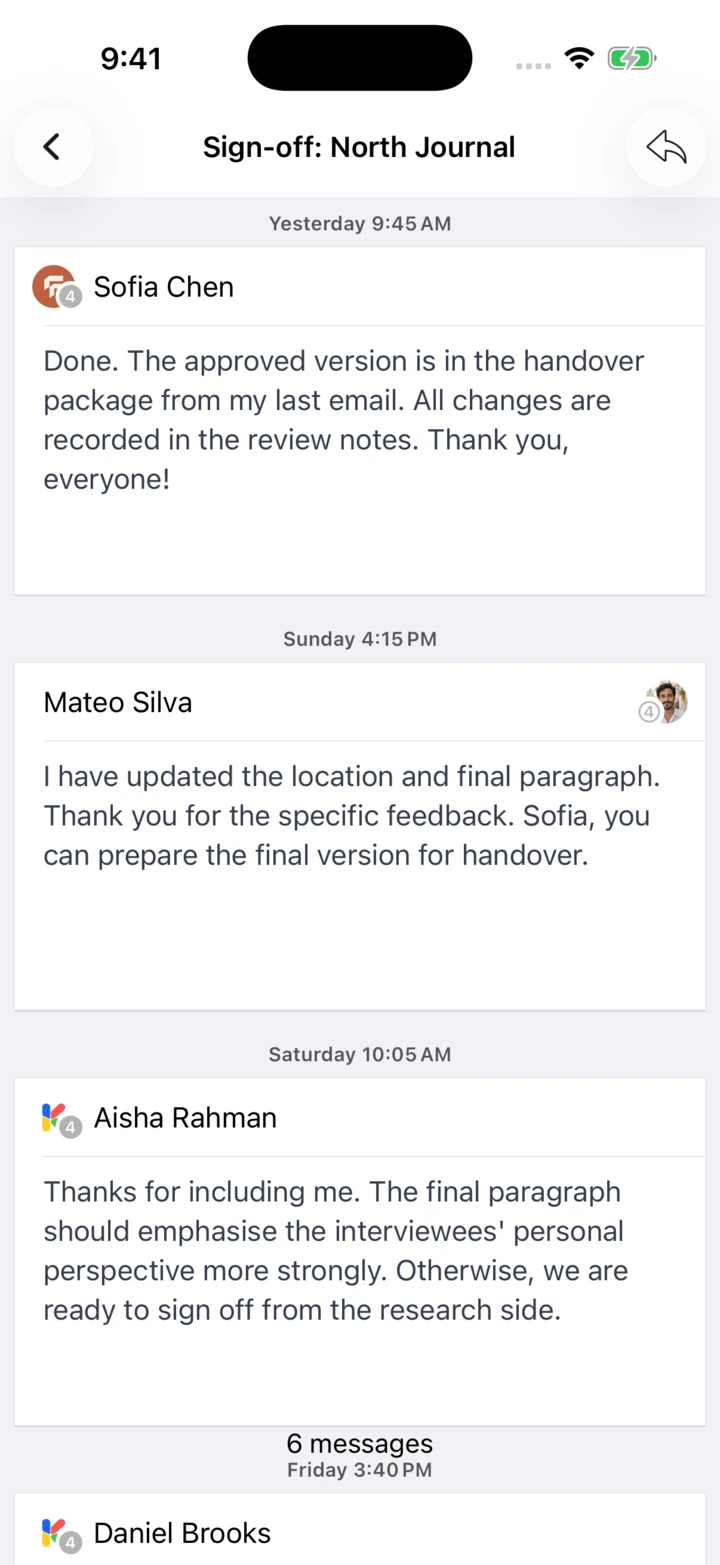
Unibox on iPhone: Open a conversation with several participants from your email history.Unibox on iPad: Open a conversation with several participants from your email history.Unibox on Mac: Open a conversation with several participants from your email history.

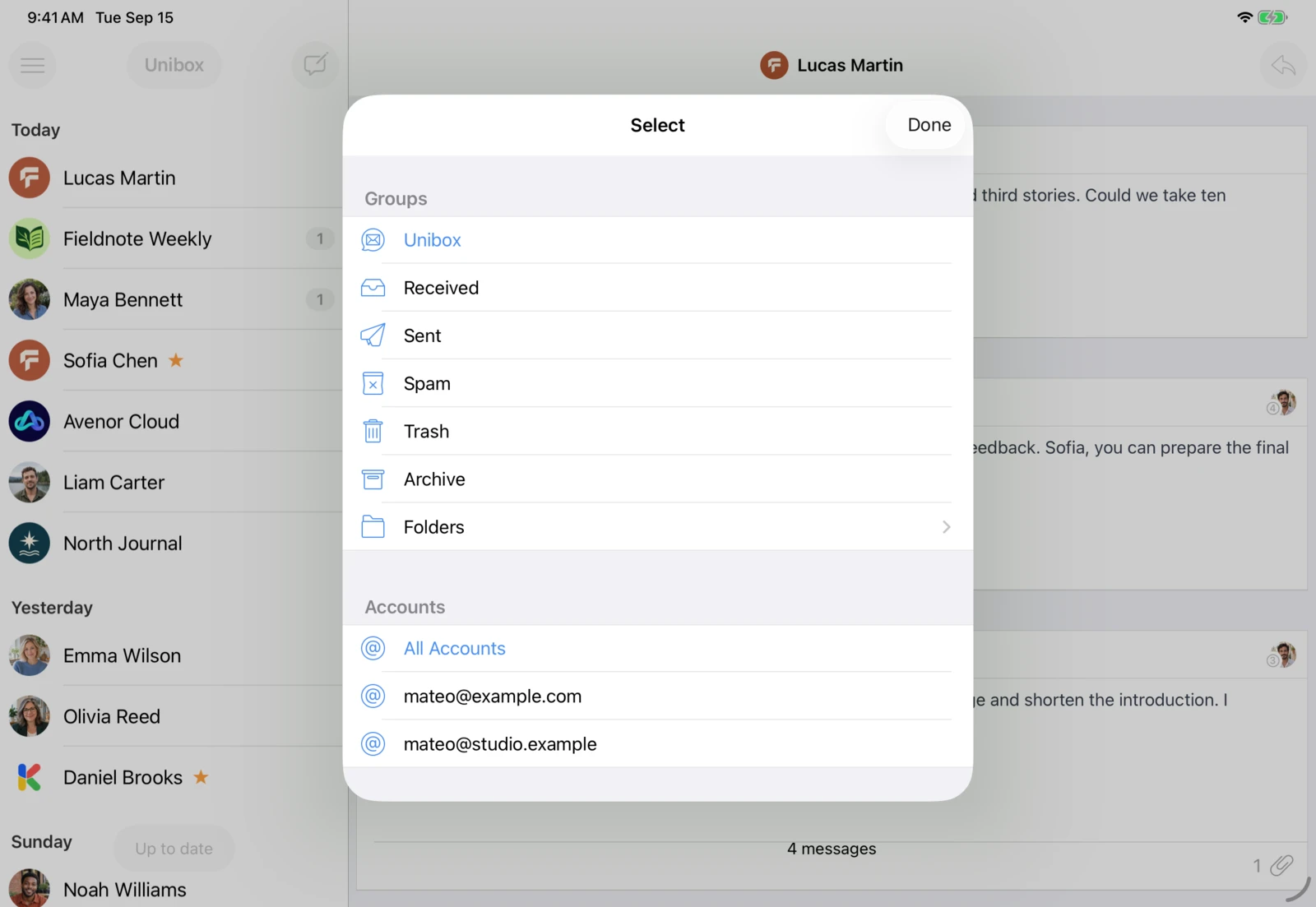
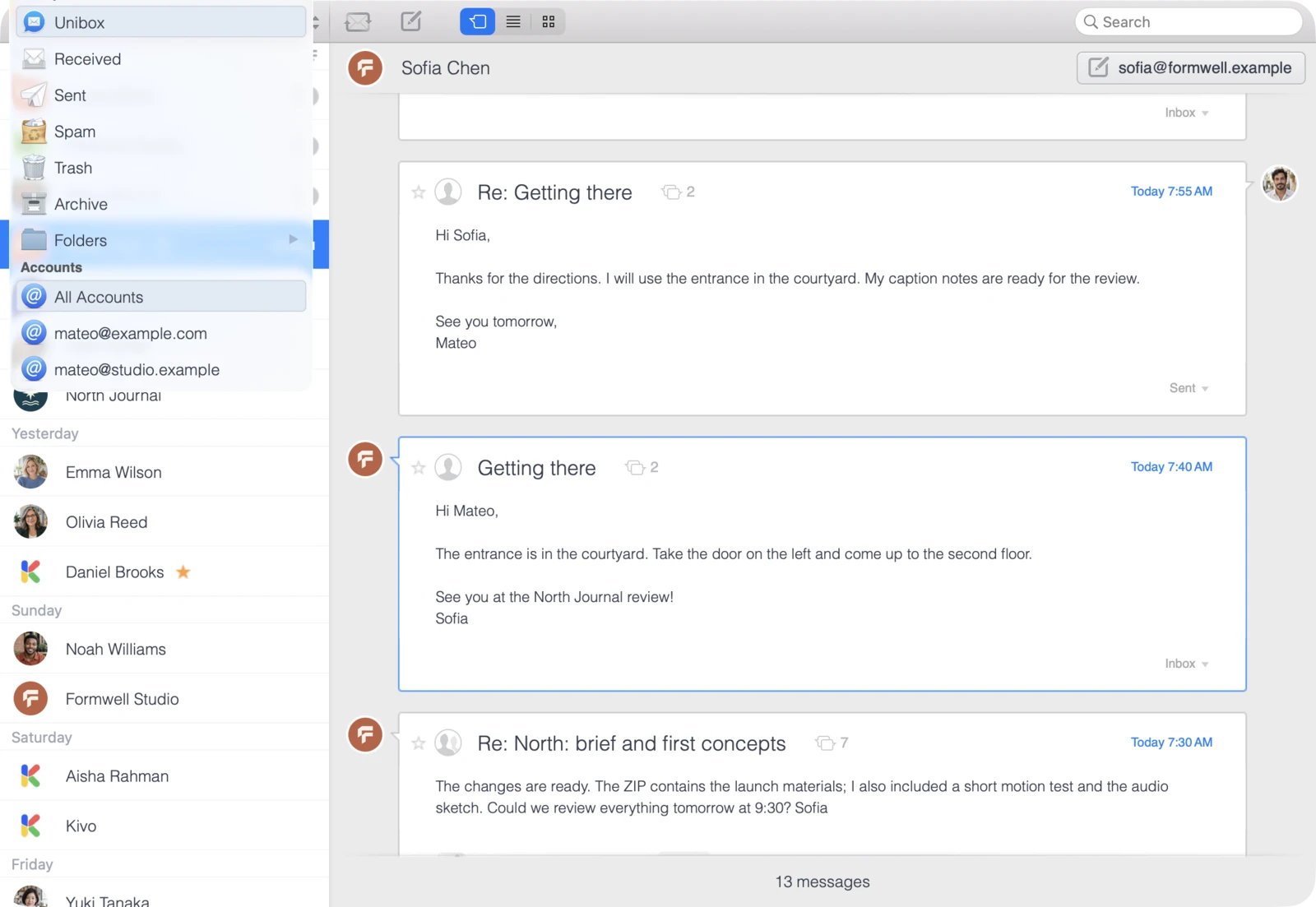
All accounts in one view.

View emails from all your accounts together or select a single account.
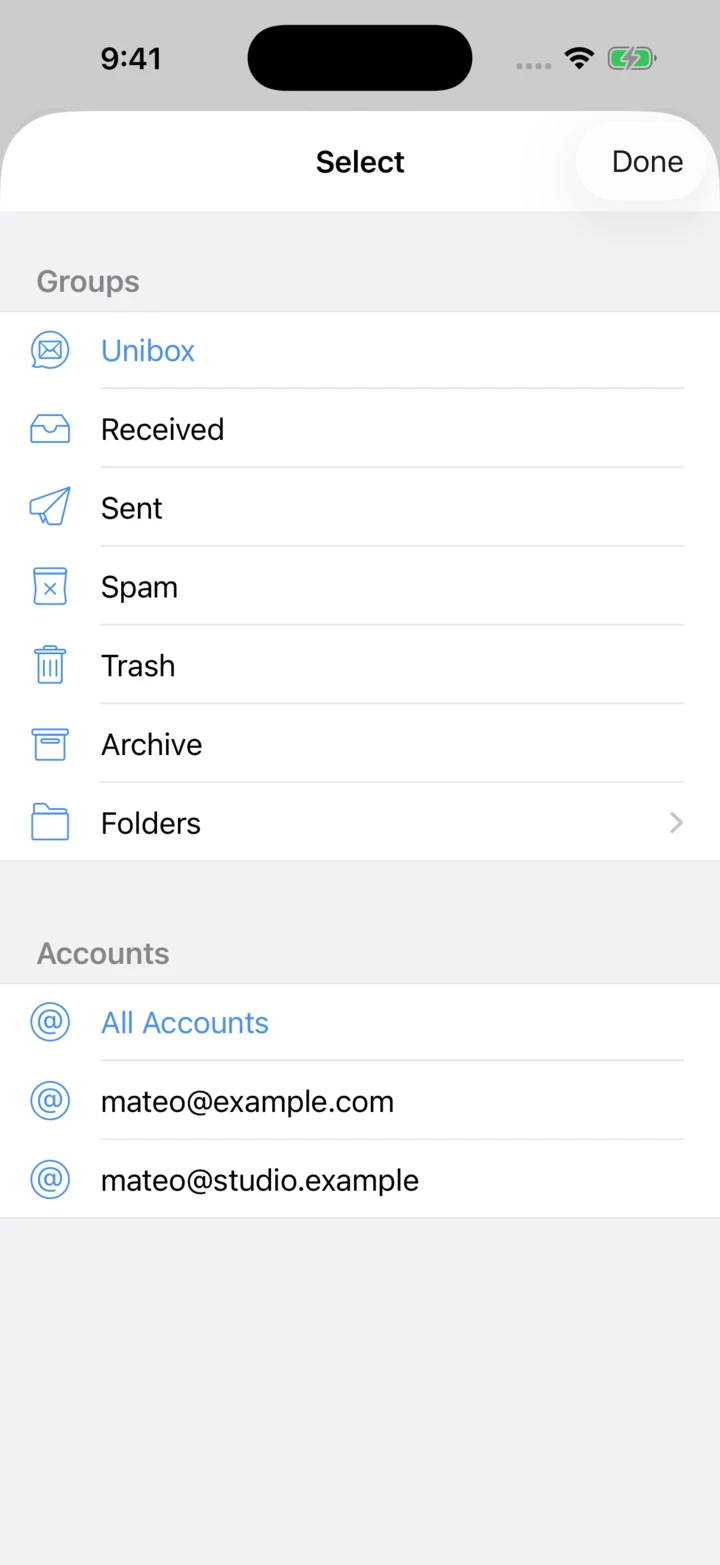
Unibox on iPhone: Unibox brings emails from all your accounts into one overview.Unibox on iPad: Unibox brings emails from all your accounts into one overview.Unibox on Mac: Unibox brings emails from all your accounts into one overview.

Accounts and privacy

Your existing email accounts

Unibox supports IMAP accounts: iCloud, Gmail with an app password, Outlook.com, Microsoft 365, Yahoo! and your own mail servers. Exchange works when IMAP is enabled.

All questions & answers

Straight to your email provider

When sending and receiving, Unibox connects directly to your email provider. Your emails do not pass through Unibox servers. Login credentials are stored locally on your device.

App privacy

“It has been great for helping me sort quickly through my emails and find old emails and conversations that I need to reference.”

Two CirclesmacOS · App Store · USA

“I’ve managed to clean out large volumes of unwanted emails in minutes.”

Charlie Richard5iOS · App Store · United Kingdom

“The attachment browser is genius.”

daGUYmacOS · App Store · USA

Download Unibox

Available for Mac, iPhone and iPad.